The complete path
How Kitra Works
Kitra helps consultants turn their methodology into assessment products that attract prospects and scale delivery. Here is how it works.
Understanding Trailsets
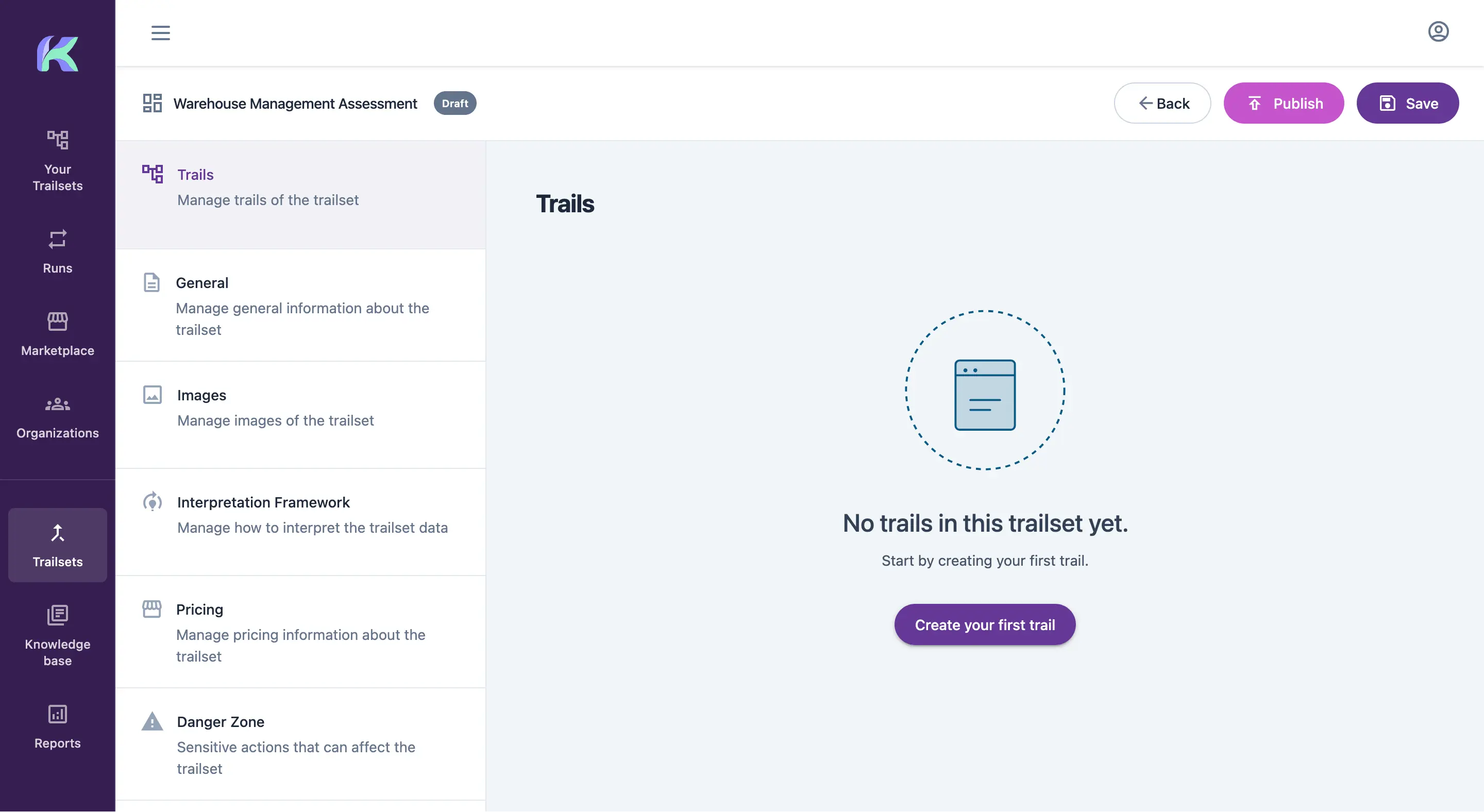
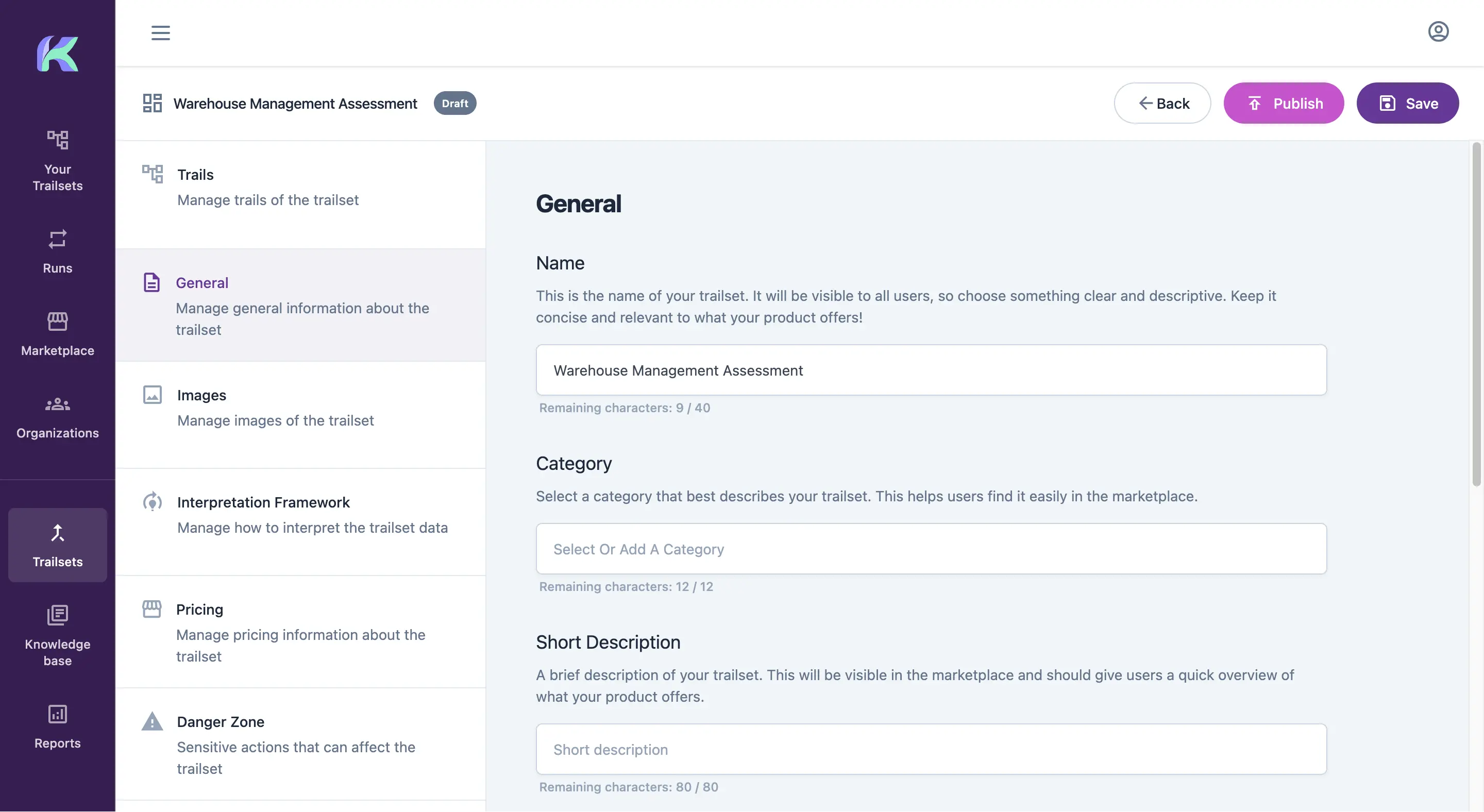
It starts with a Trailset, a collection of related assessments. Give it a name and Kitra creates it as a draft, so you can keep making changes until you are ready to publish.
Managing Trails and Pricing
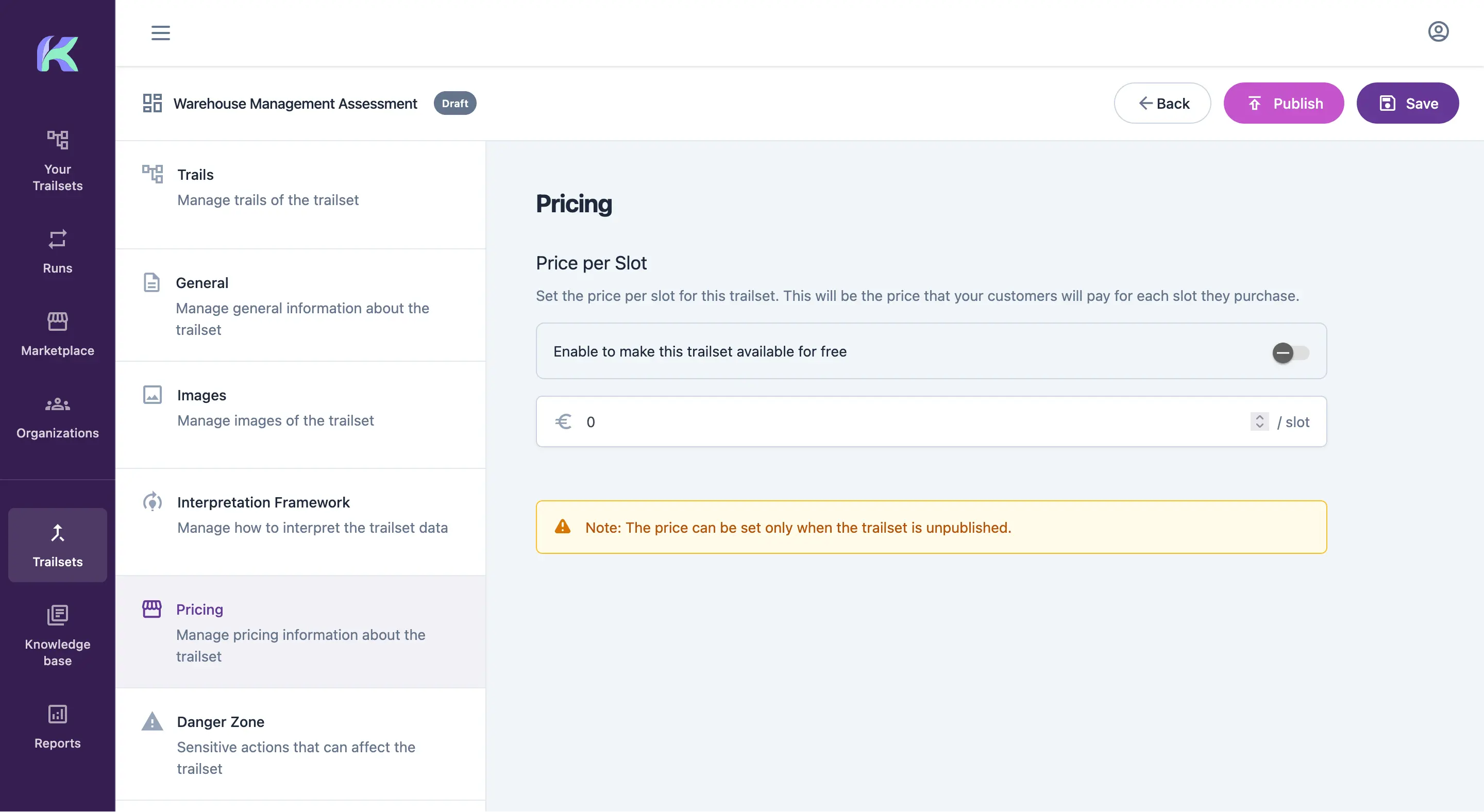
A Trailset can contain several Trails. These are the assessments completed by one or more stakeholders. From the Trailset page, you can manage its information, add images and set a price. Customers pay per slot, so the value of an assessment can grow with the number of participants.
The Interpretation Framework
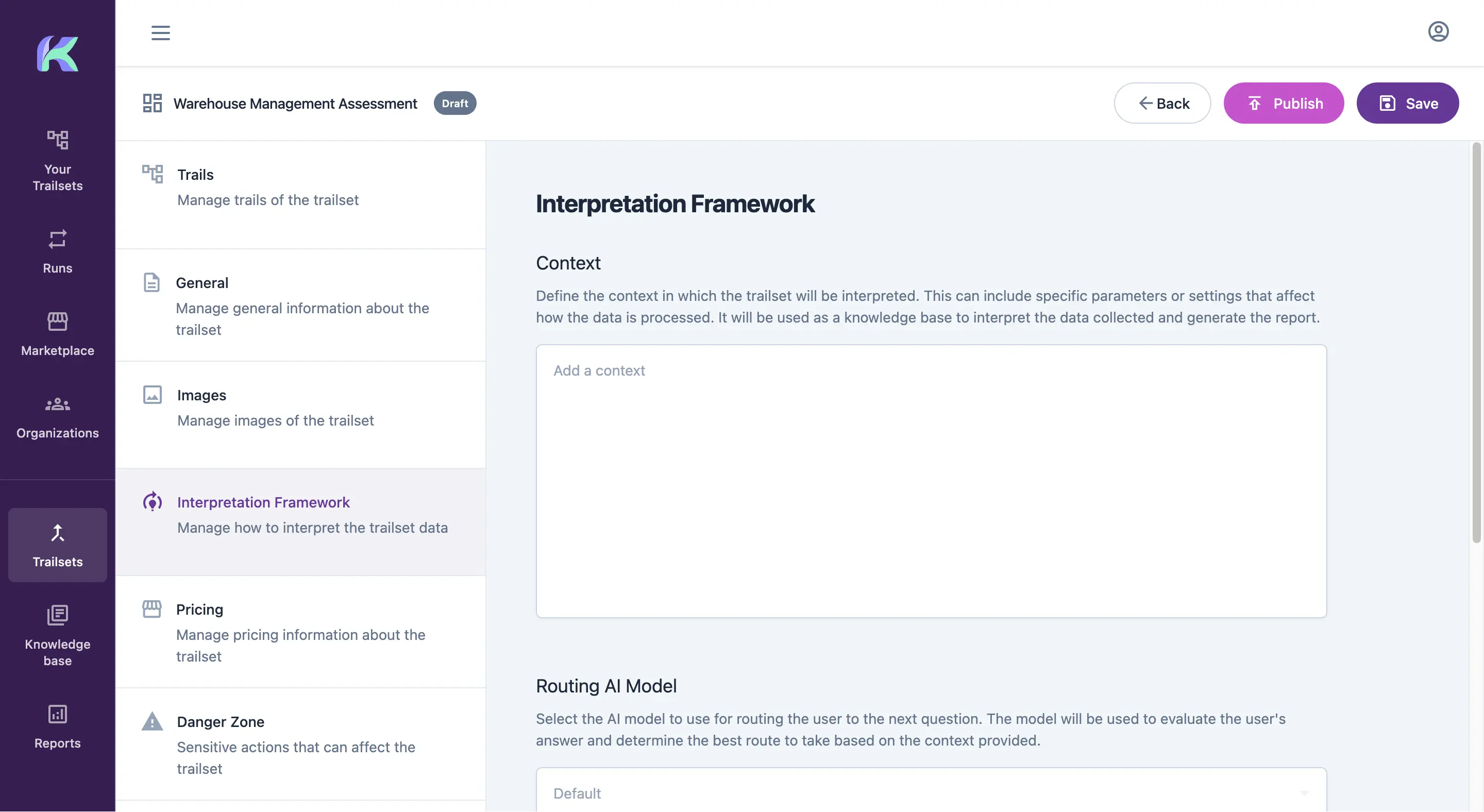
The interpretation framework captures how you analyze the answers collected across a Trailset. Use it to define the final report structure, guide the AI with your experience and specify which signals matter in the responses.
Creating and Configuring Trails
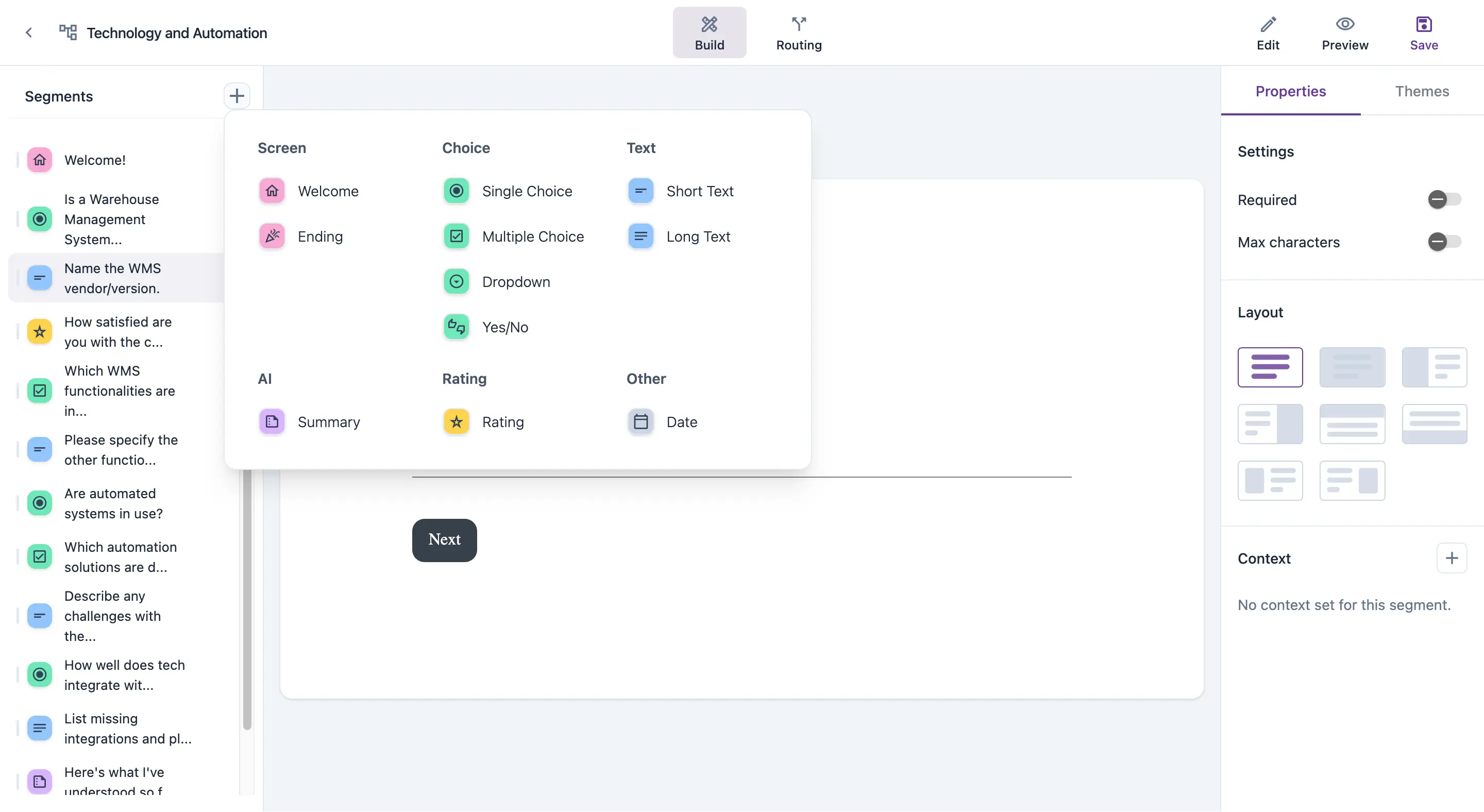
A Trail combines questions, participating stakeholders and smart blocks. Each element is called a segment. You can add as many segments as needed and give each one additional context that helps the AI apply your point of view.
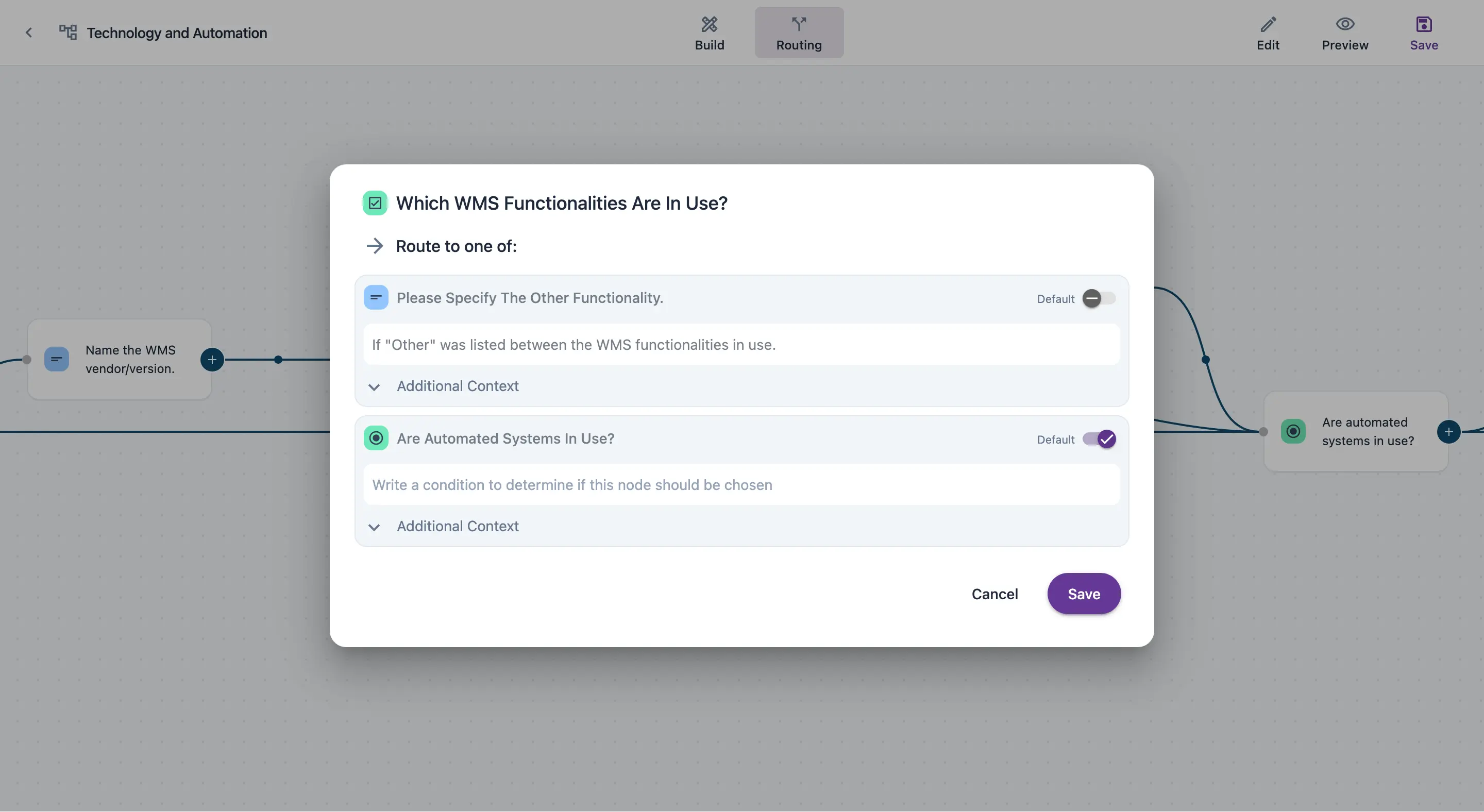
Flexible Routing Conditions
Use flexible routing conditions to change the sequence of segments based on each participant's answers.
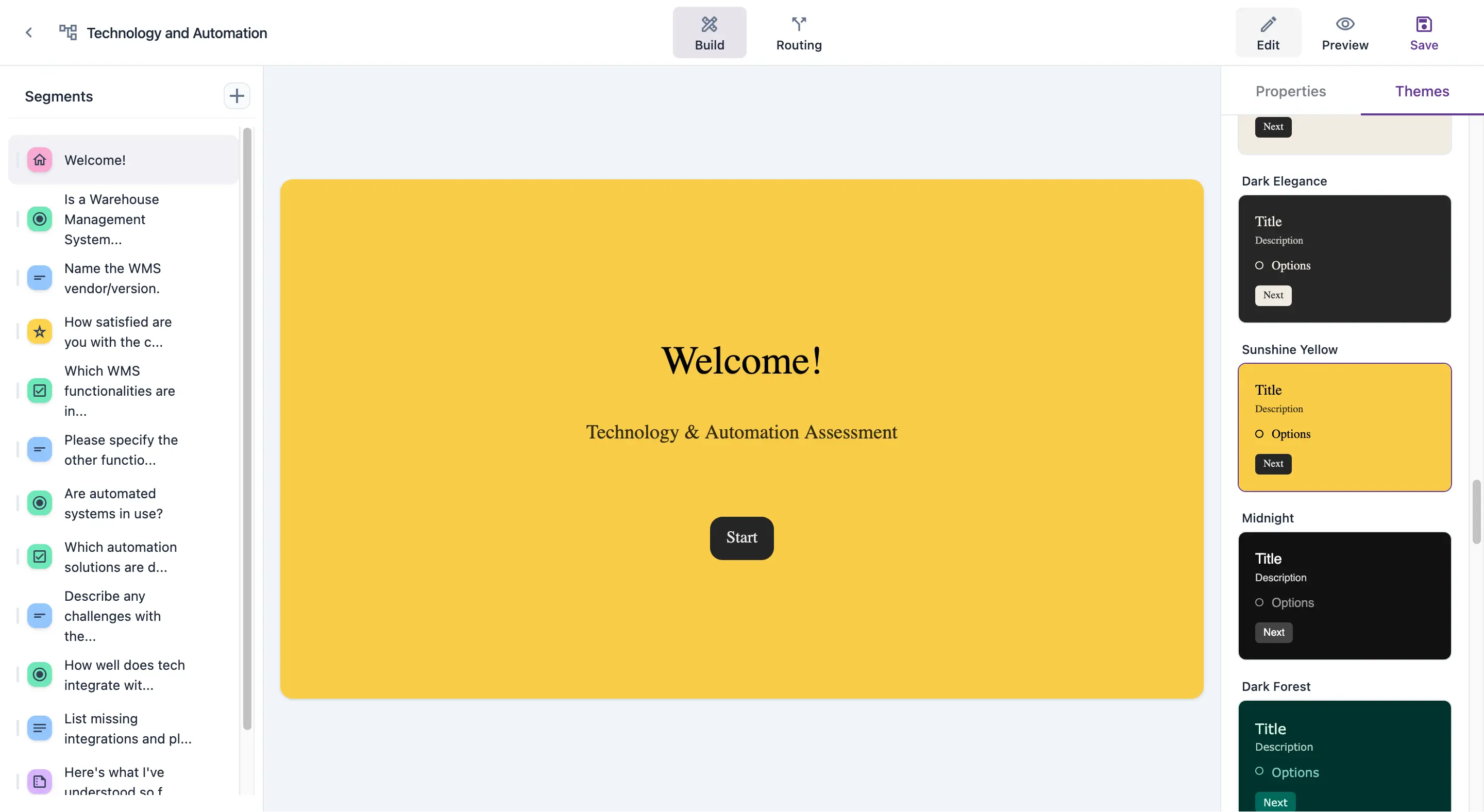
Brand Customization for Trails
Each trail can be customized to reflect your brand: choose between multiple layouts and themes and preview each segment to see what your customer will see.

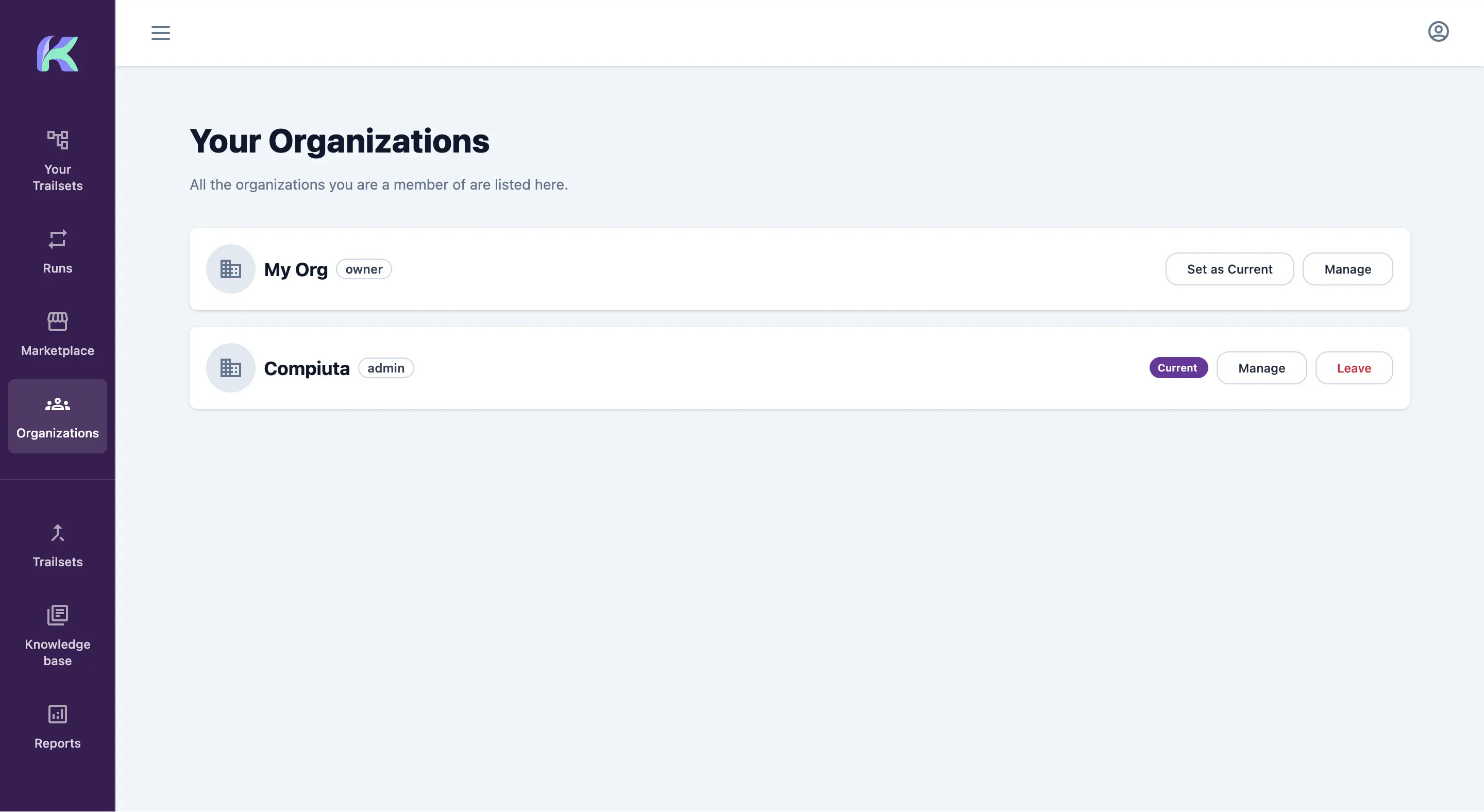
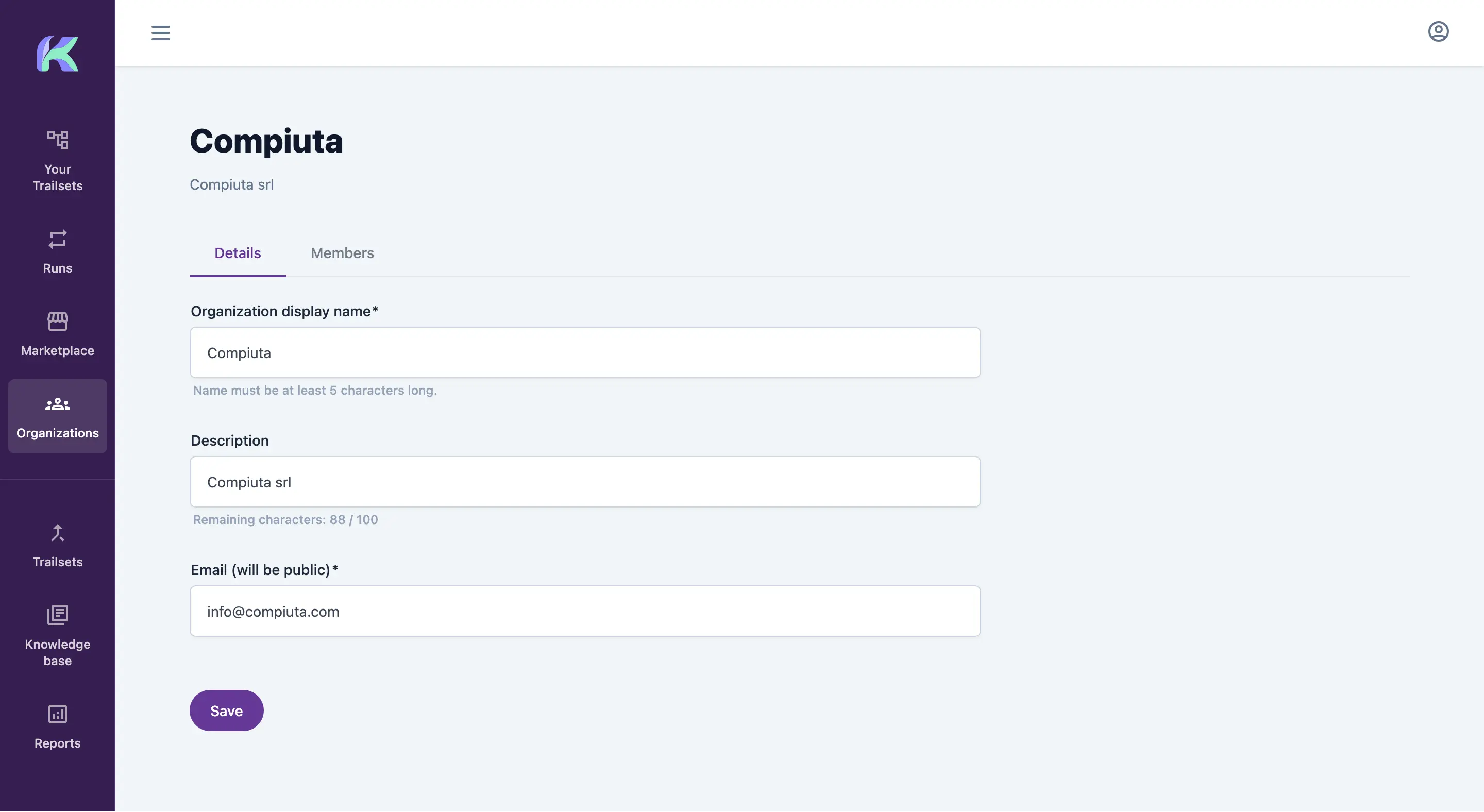
Team Collaboration and Organizations
Create an organization and invite colleagues to collaborate on Trailsets. You can belong to several organizations. Select the one you want to work in to see its Trails.
Leveraging Your Knowledge Base
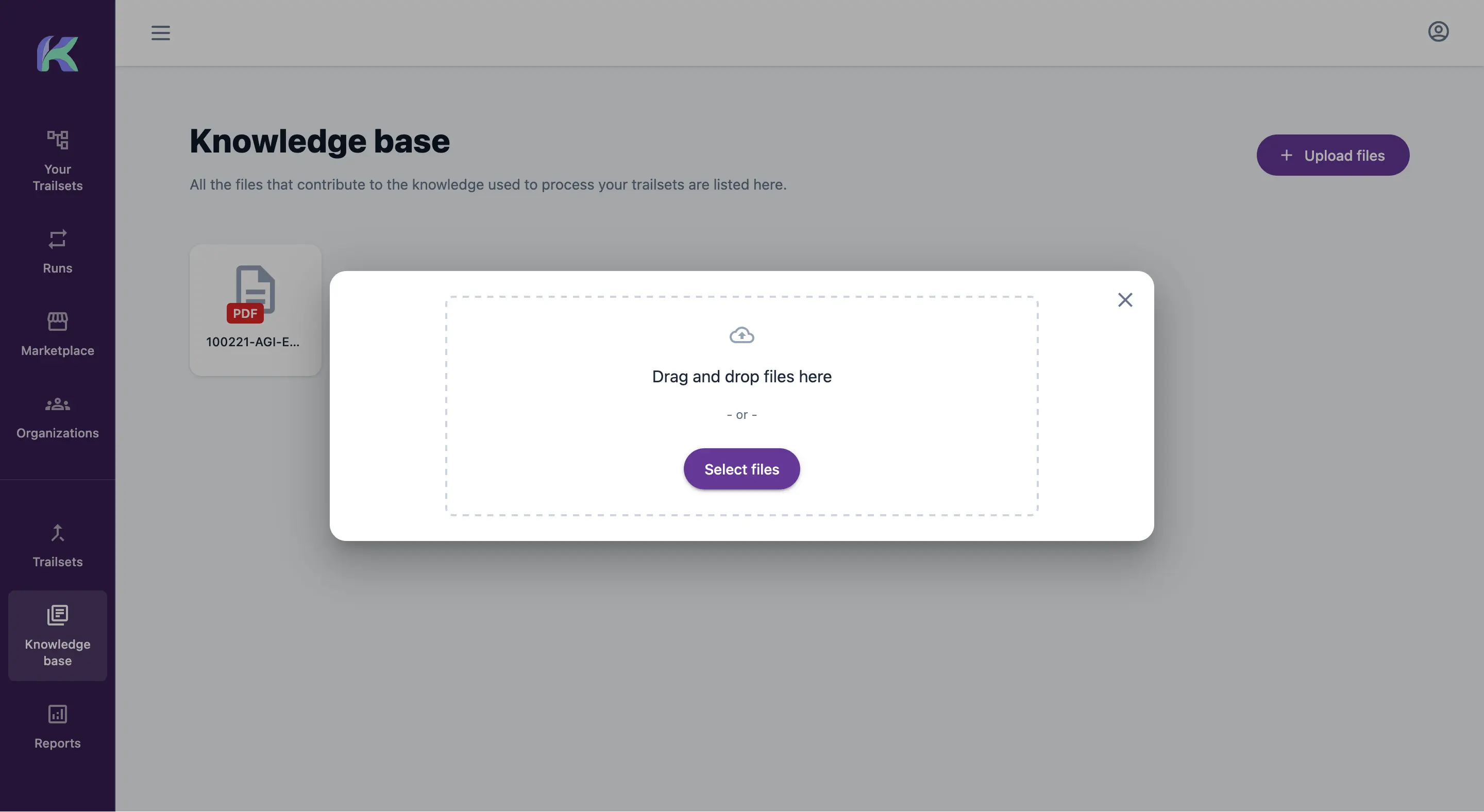
Upload relevant files from past cases to your knowledge base. The files remain private to your organization and help Kitra uncover additional insights for the final report.
Publishing Your Trailset
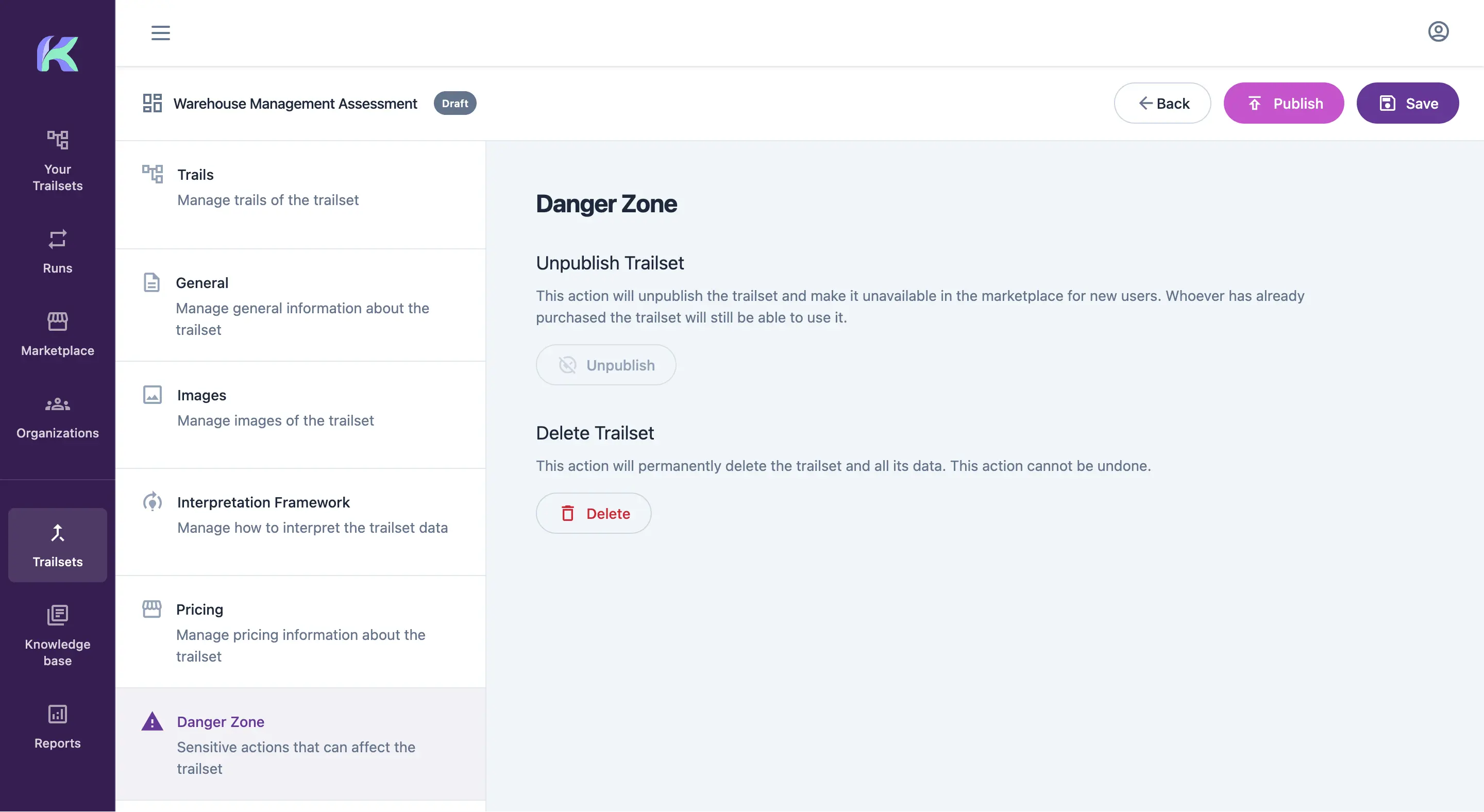
Once the Trails are ready, set the price, define the interpretation framework and publish the Trailset to make it available to customers.
Marketplace and Customer Purchase
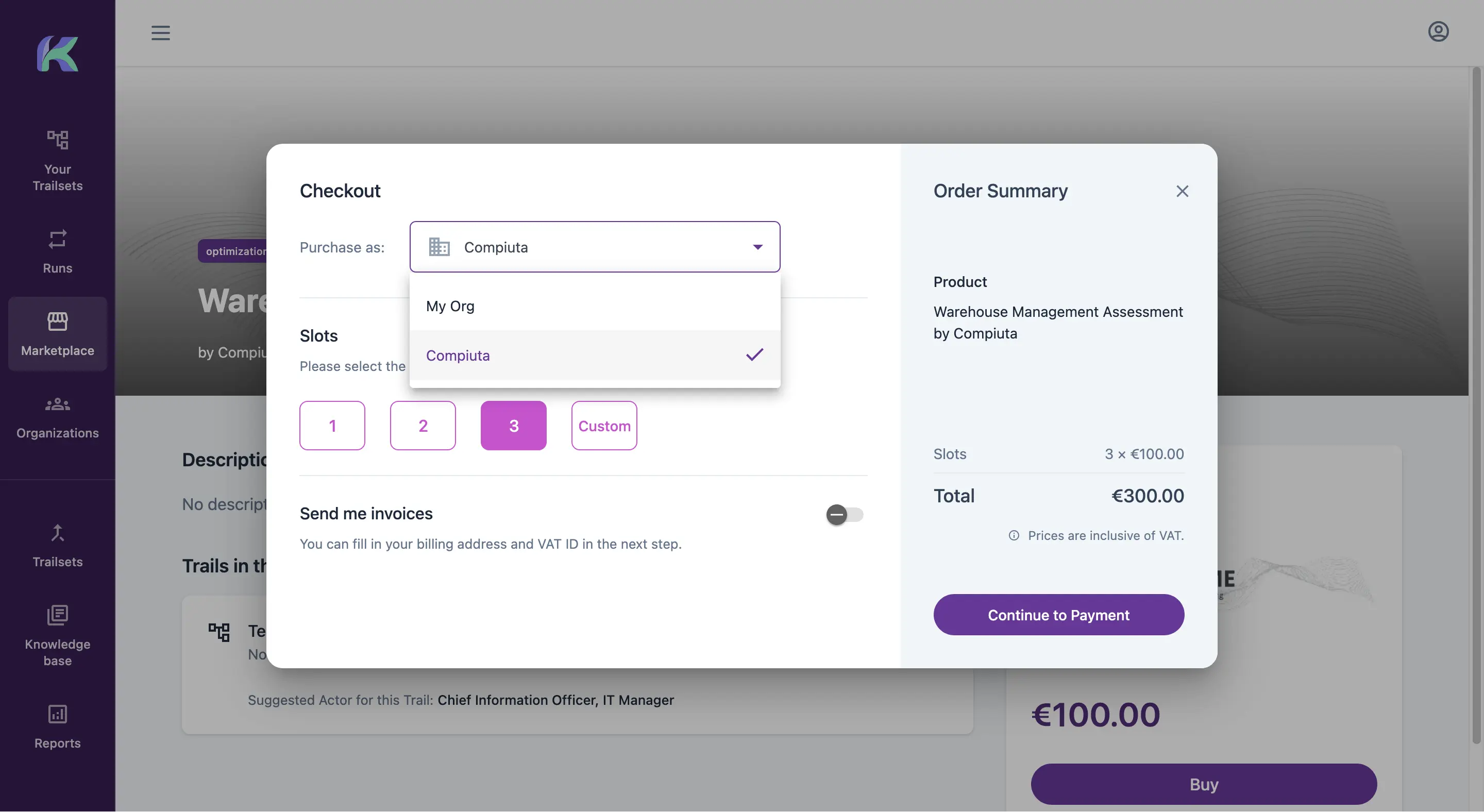
Once your Trailset is available in the marketplace, customers can:
- buy it for themselves or for an organization
- buy several slots, usually one for each stakeholder taking part in the assessment. This is useful when one person coordinates the process for the organization.
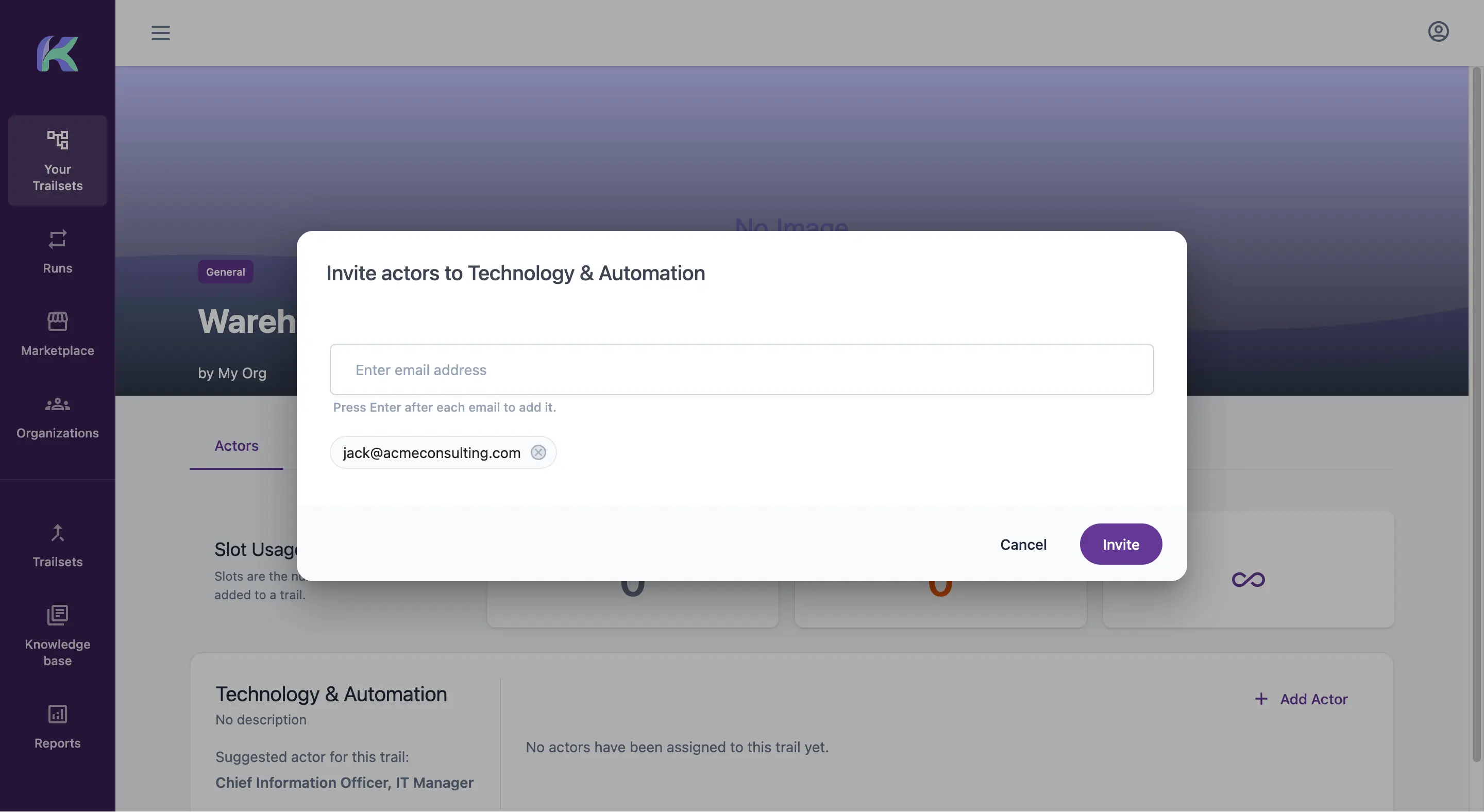
Inviting Actors
After purchasing the Trailset, the customer can invite participants based on the number of available slots.
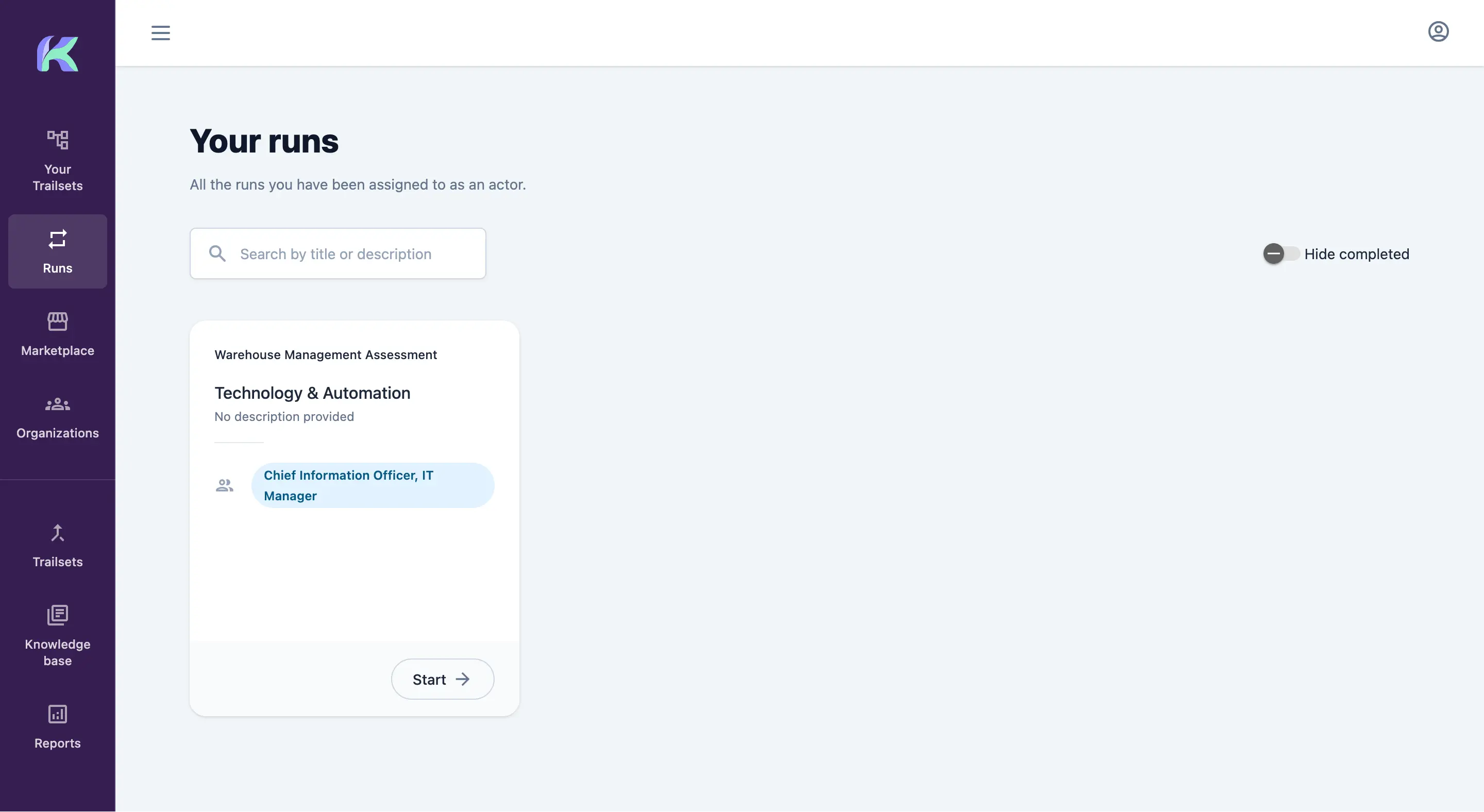
Assessment Runs and Report Generation
Each participant receives an invitation and finds the assigned Trail in the Runs section. A Run combines a Trail with that participant's answers. After everyone completes their Run, Kitra drafts and reviews the final report using your interpretation framework.
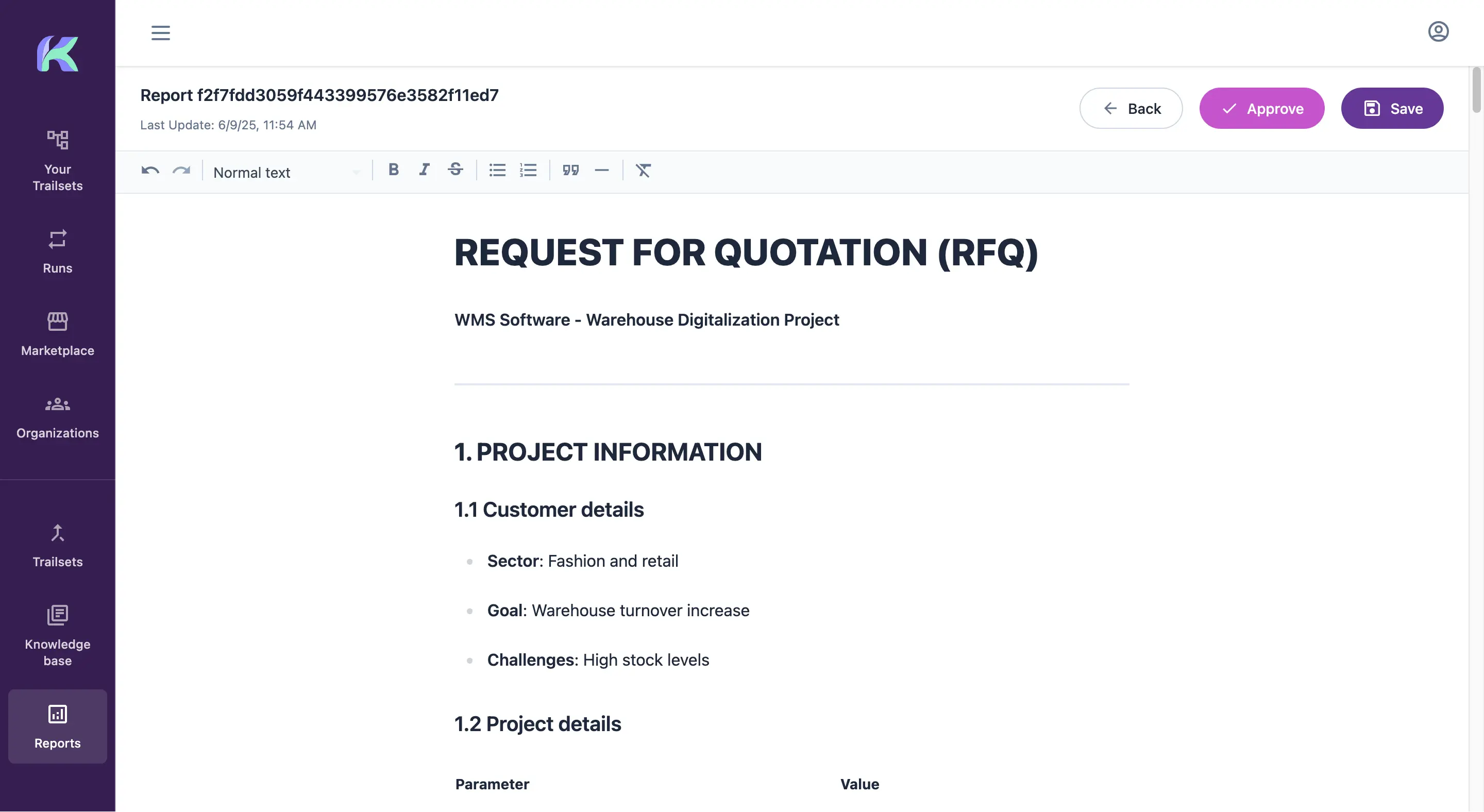
Hybrid Mode: Review and Delivery
When the report is ready, you can review, edit and improve it before delivery. This is Hybrid Mode, and you can configure it separately for each Trailset.
Your method. In motion.
Make your next assessment the start of a client relationship.
Publish your methodology, give prospects immediate value and create a repeatable path into your services.
Create a free assessment